
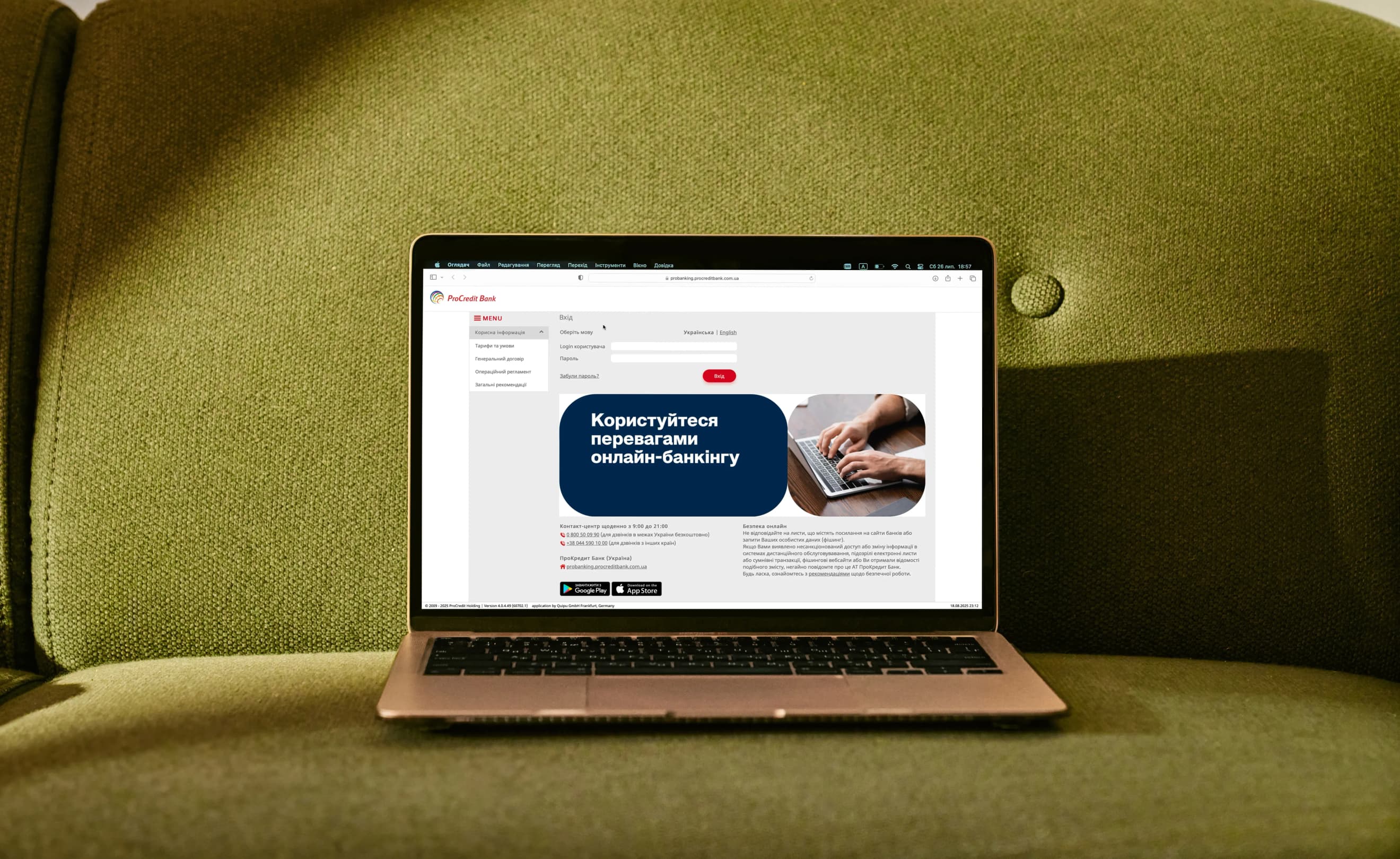
Features

Download account statements in .pdf and .xls formats

Create budget payments

Purchase foreign currency for deposit placement

Make foreign currency transfers

Track the status of IBAN transfers

Request a statement

Update profile information

Get account details

Manage deposits
Step-by-step instructions

Getting account funding details
Getting an account statement
Перекази в іноземній валюті
Making IBAN transfers in the national currency
Making budget payments
Getting a payment instruction (checking payment status)
Opening a deposit
Purchasing foreign currency for deposit placement
Selling foreign currency online
Selling foreign currency UFEM
Documents
FAQs
Go to Transfers → Budget. Select the account to be debited, enter the recipient’s name and EDRPOU code. On the next step, choose the Type of budget payment and specify the payment purpose.
Go to Transfers → In national currency. Enter the recipient’s name, tax number (IPN) or EDRPOU code, and the account number in the “UA…” format. Then specify the amount and payment purpose.
You can download the payment confirmation in Transfers → Last orders. Find the required payment and click the list icon on the right to download the payment instruction.
Go to internet banking and select the Foreign exchange section. To exchange currency online, choose Online exchange. To buy currency on the Ukrainian foreign exchange market, select Buy currency / Sell currency / Currency conversion UFEM.
Go to Mailbox → New. Enter the subject, write your message and send it.
Open the Account summary section and click the user icon next to the required account. You’ll be redirected to the account details page, where you can download the document from the Account details section.