
Mobile application
Convenient digital banking on your smartphone

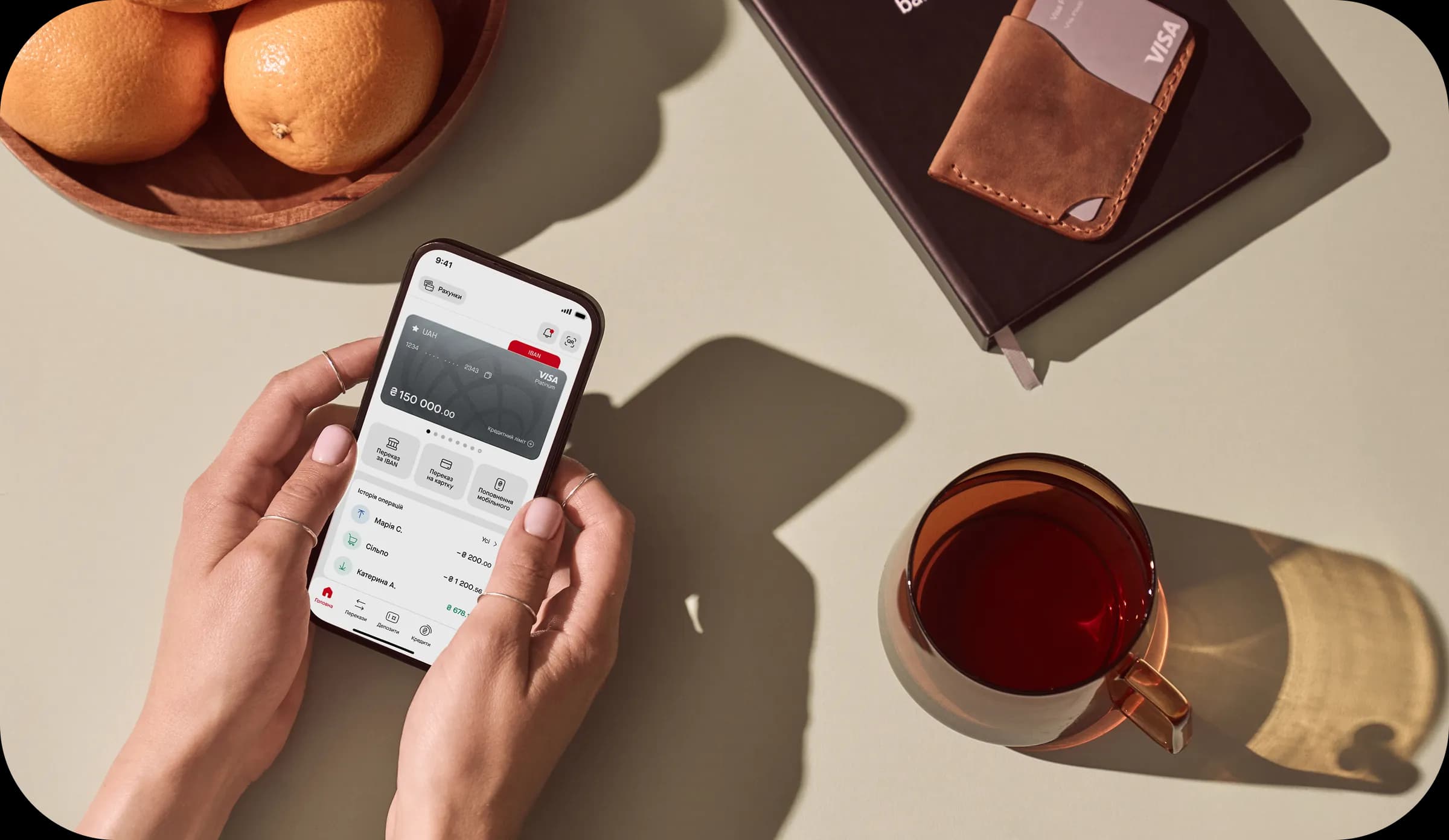
Features

Change card PIN

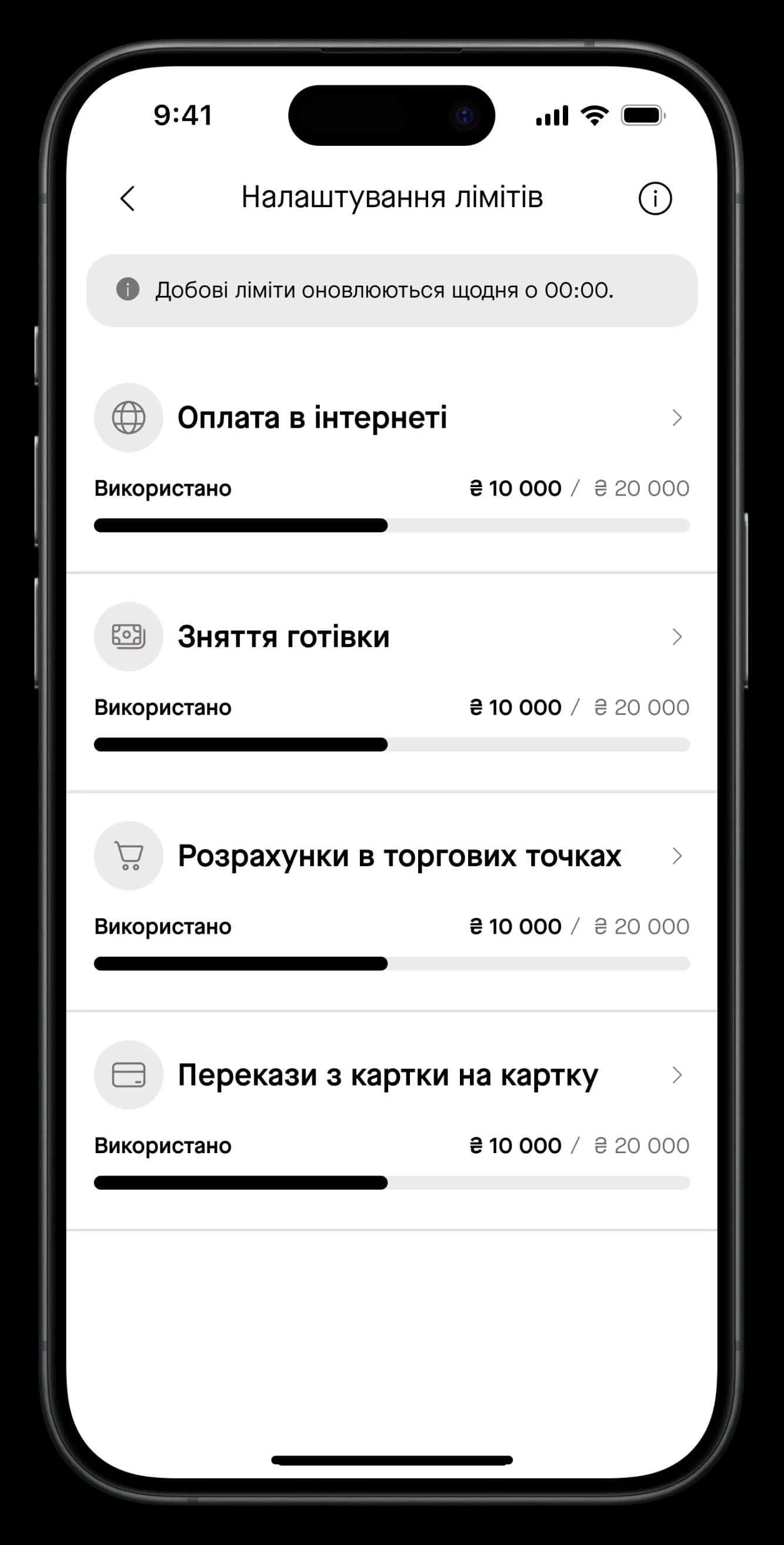
Change payment limits

View card details

Top up your card

Block your card in case of loss
Maximum functionality — minimum hassle
Adjust your card limits
Set limits for cash withdrawals, online payments and in-store purchases directly in the app.
Savings account
Quick IBAN transfers
Currency exchange
Card details
Deposits
Account top-up
Useful materials
To change limits, tap on your card and select “Set card limits” in the card details.
To copy your card details, tap on the card number or the corresponding icon next to it.
Your card transaction history is displayed below the card on the main page. To view transactions for a specific period, tap “All” and use the filter.
In the bottom menu, select “Transfers”, then “Transfer between own accounts.”
In the bottom menu, tap “More”, select “Profile and settings,” and move the “Biometrics” toggle to the active position.
In the top menu, tap the bell icon. There you will find all received messages.
Tap the “Currency exchange” block below your transaction history on the main page and select “Exchange”. Then choose the debit and credit accounts. You can review the NBU’s restrictions on currency purchase and exchange here.
Please reach out to our contact centre. Our specialists will help you restore access to the app.